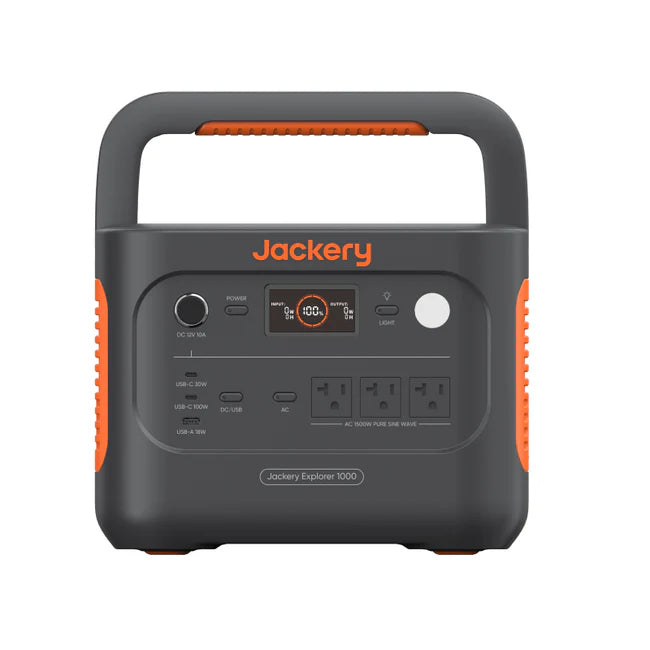
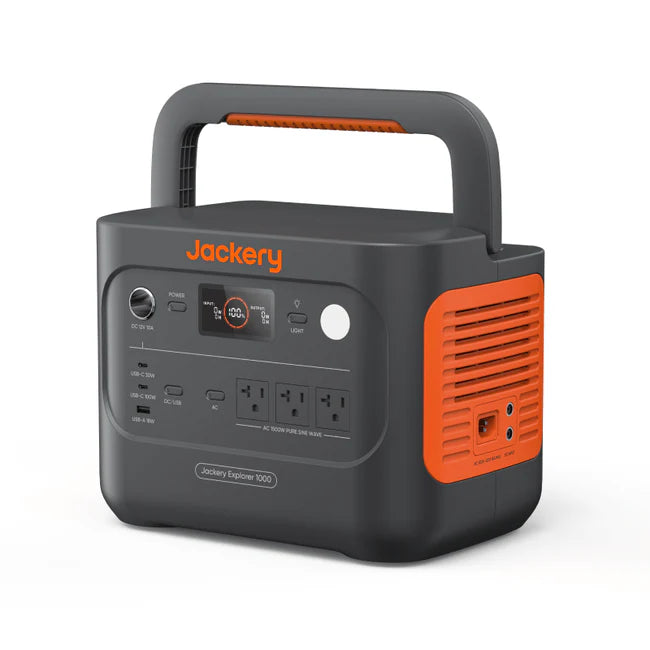
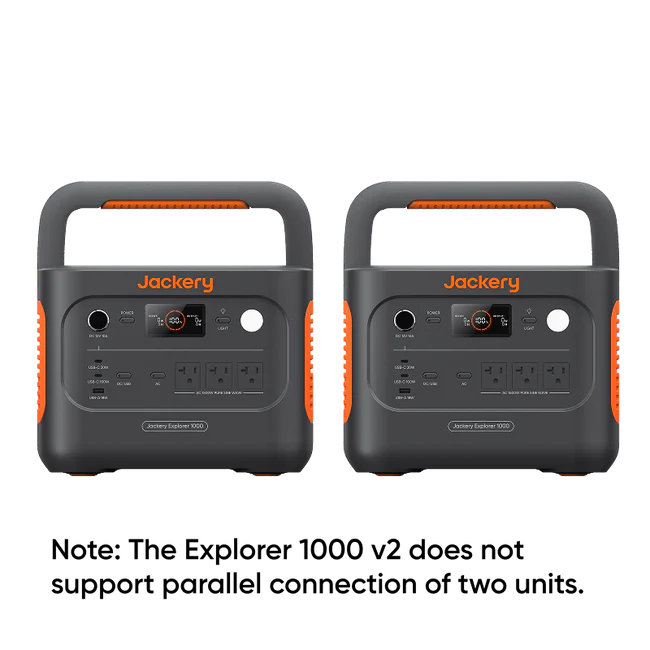
Jackery Explorer 1000 V2 1070Wh (Power Bank Only)
50% Power Boost: Delivers 1070Wh Capacity and 1500W Output.
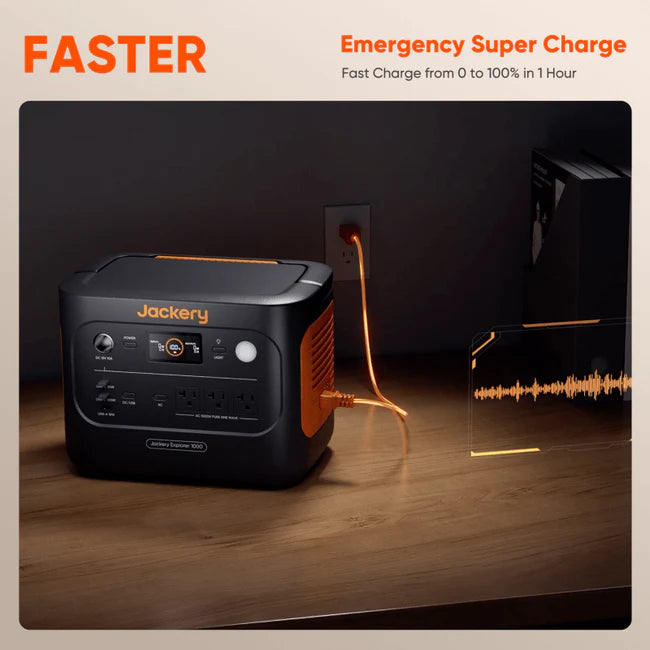
Fast Charging: Dual 100W USB-C and USB-A ports with Emergency Super Charge 0-100% in 1 Hour.
Smarter, Safer Power: ChargeShield 2.0 uses 62 layers of advanced protection to keep your power stable, efficient, and safe in any situation.
Harness the Sun: Boost solar intake with Bifacial 200W panels for sustainability.
Decade of Dependability: Long-lasting LiFePO₄ cells ensure 10+ years (4,000 charge cycles).
Features
Product Details
Jackery Explorer 1000 V2 1070Wh

Convenient Comfort: Add the comforts of home and keep your devices and small appliances charged.
Seamless Power Switching: Switch power in under 20 milliseconds for continuous operation of your devices during power outages or voltage fluctuations.
Peace and Quiet: At 30 dB, it's as quiet as a whisper, letting you fully enjoy the sounds of nature.
Smart App Control And LCD Display: Monitor and manage your power from the LCD display or your app.
Specifications
Tech Specs

General
Weight: Around 23.8 lbs (10.8 kg)
Dimensions: 12.87 × 8.82 × 9.72 in / 32.7 × 22.4 × 24.7 cm
Charge Temperature: 32~113 °F (0~45°C)
Discharge Temperature: 14~113°F (-10~45°C)
Warranty: 3-year limited manufacturer defect warranty
Battery
Capacity: 30.4Ah/35.2V DC (1070 Wh)
Cell Chemistry: LiFePO4
Cycle life: 4000 cycles to 70%+ capacity
Output Ports
AC Output: ( 3x) 120V ~ 60Hz
AC Total Output: 1500W Rated, 3000W Surge peak
USB-C Output:
(1x) 30W Max, 5V⎓3A, 9V⎓3A, 12V⎓2.5A, 15V⎓2A, 20V⎓1.5A
(1x) 100W Max, 5V⎓3A, 9V⎓3A, 12V⎓3A, 15V⎓3A, 20V⎓5A
USB-A Output: 18W Max, 5-6V⎓3A, 6-9V⎓2A, 9-12V⎓1.5A
Car Port: 12V⎓10A
Input Ports
Charge Mode AC Input: 100-120V~ 60Hz, 15A Max
Bypass Mode AC Input/Output: 100-120V ~ 60Hz, 1500W
DC Input:
(2x) DC 8mm Ports: 12-16V(Working Voltage)⎓8A Max,
Double to 8A Max; 16-60V(Working Voltage)⎓10.5A Max,
Double to 21A/400W Max
Charging Time
AC Adapter: 1.58 Hours
Car Adapter: 12 Hours
FAQs
Frequently Asked Questions
How to Charge the Explorer 1000 v2 via AC Wall Outlet?
Connect the AC charging cable to the input port of the power station and plug it into the wall outlet.
How to turn on the Energy Saving Mode?
Long press the AC Button and Main Power Button until the Energy Saving Mode icon lights up on the screen.
What is the emergency charging mode on the Explorer 1000 v2?
Under this mode, you can rapidly power up the portable power station using the AC charging method. When in emergency charging mode, the circular light indicating the state of charge (SOC) will blink at an increased pace. This emergency charge function can be activated or deactivated through the Jackery app.
What is the recommended temperature of this product?
The recommended charging temperature for the product is between 0°C to 45°C (32°F to 113°F), and the discharging temperature is between -10°C to 45°C (14°F to 113°F). Operating the product outside this temperature range may restrict its charging and discharging capabilities, or even render it unable to charge or discharge.